
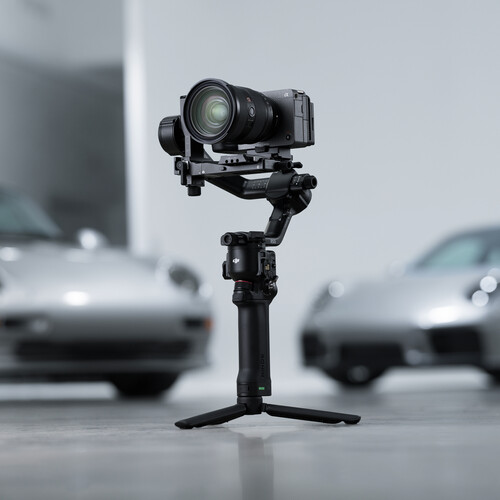
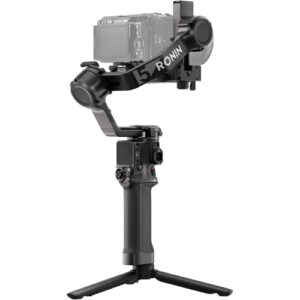
DJI RS 5 Overview
Pro Gimbal with Z-Axis Indicator
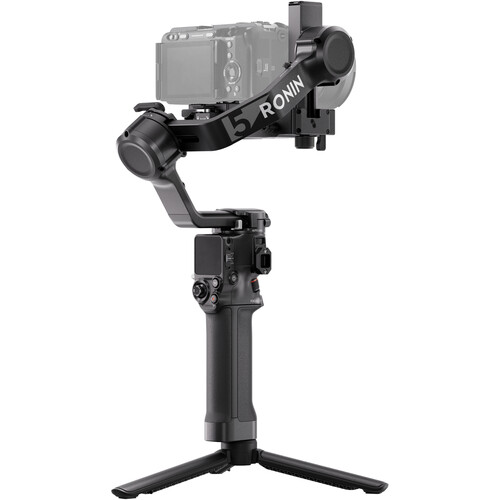
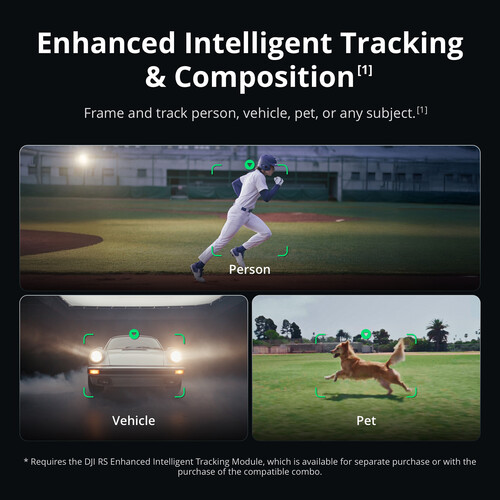
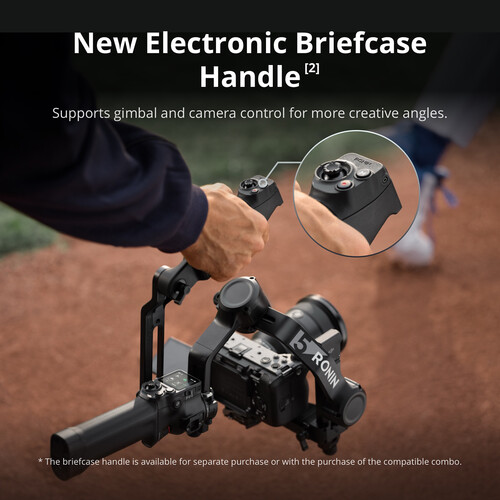
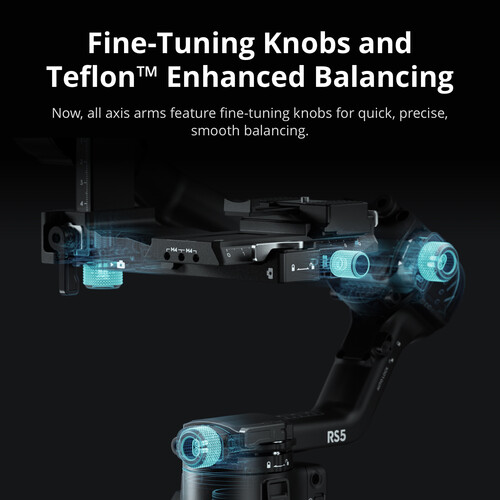
Get even smoother video footage with the DJI RS 5 Gimbal Stabilizer. This pro gimbal features a Z-axis indicator for vertical moves. It charges fully in one hour. Plus, it offers 15% more runtime than the RS 4. Enjoy Teflon-enhanced balancing and fine-tuning knobs. Add the electronic control handle or AI framing modules separately.
Enhanced Battery and Fast Charging
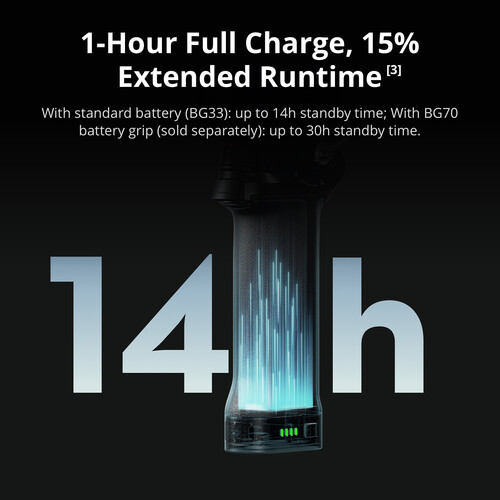
Use the BG33 battery grip with a 65W PD charger. Then, fully charge the RS 5 in one hour. It delivers 14 hours of runtime—15% more than the RS 4. For even longer use, pair it with the BG70 grip for up to 30 hours.
Native Vertical Capture
Switch to vertical mode in seconds with the third-gen design. Loosen the single-side knob. Rotate and tighten the horizontal plate. You’re ready to shoot.

Second-Generation Quick Release Plate Design
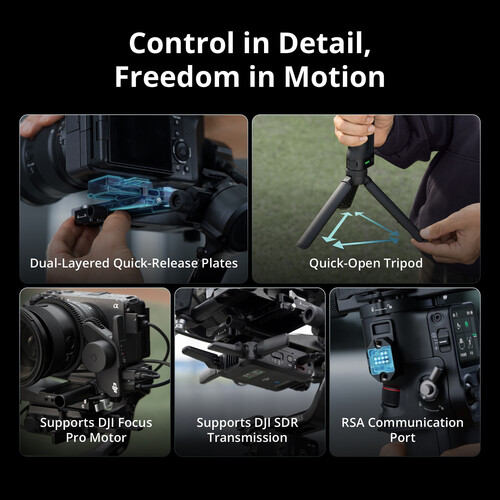
Mount and balance cameras easily with the dual-layered plates. The new horizontal plate speeds vertical transitions. Adjust the tilt axis forward or back using the fine-tuning knob. Placement guides on the upper plate ensure secure mounting.
Auto-Locking OLED Screen
The fixed OLED touchscreen auto-locks for safety. Once locked, it displays gimbal and joystick moves at low brightness. This prevents accidents and saves power.
Focus Pro and DJI SDR Transmission Support
Pair two Focus Pro motors with the RS 5. Control focus and zoom via the dial and joystick. Add DJI SDR Transmission for live feeds and remote control of the gimbal or camera.

Second-Generation Automated Axis Locks
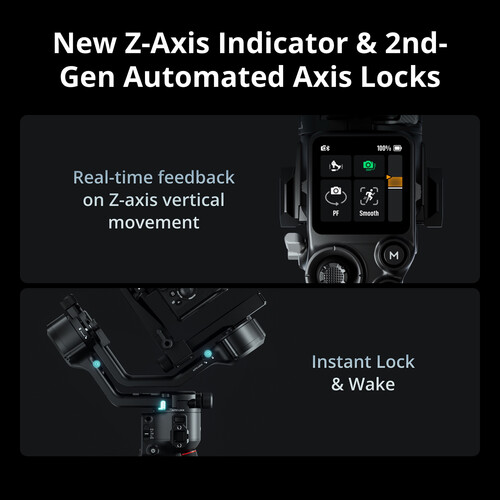
Power off and hold the button. The three axes unlock, and the gimbal expands automatically. Start shooting in two seconds. Press once to lock axes and sleep. Smaller gaps reduce shake for better storage and transport.
Z-Axis Indicator
The Z-axis indicator displays your vertical movements so that you can adjust your motion, but it does not provide Z-axis stabilization.
RSA Communication Port
Integrate Ronin accessories via the RSA port. Switch configurations quickly. Third-party developers can build custom functions with the DJI RS SDK protocol.
Wireless Shutter Control
By implementing Dual-Mode Bluetooth, the RS 5 supports wireless shutter control, saving time and effort with every use. After the initial Bluetooth pairing, you can control video and photo shooting by simply pressing the record button on the stabilizer. Previously paired cameras can automatically reconnect after the first use, eliminating the need for a camera control cable. Compatible cameras include select FUJIFILM and Panasonic models.
Integrated Monitoring and Control
Remotely adjust camera exposure directly in the Ronin app, or control the gimbal with the virtual joystick to get an integrated monitoring and control experience. With the Ronin Image Transmitter, a smartphone can be used as a motion controller to remotely control the RS 5 gimbal for more flexible and dynamic camera movements.

Integrated Controls
- By simply sliding the new gimbal mode switch, you can alternate between Pan follow, Pan and Tilt follow, and FPV modes. The FPV mode selection is also customizable to 3D Roll 360, Portrait, or Custom, allowing you to adjust your equipment and get started as fast as possible. Other intelligent features include motion-lapse, track, and panorama.
- The trigger button can be customized to FPV mode, which causes the three axes to follow the direction of the grip’s movement when held down.



Reviews
There are no reviews yet.